The Dark Escape
Version 0.2.jam published : you may now play on a mobile device (Android only), and on desktops with a keyboard without a numpad. Just follow the screen hints.
--
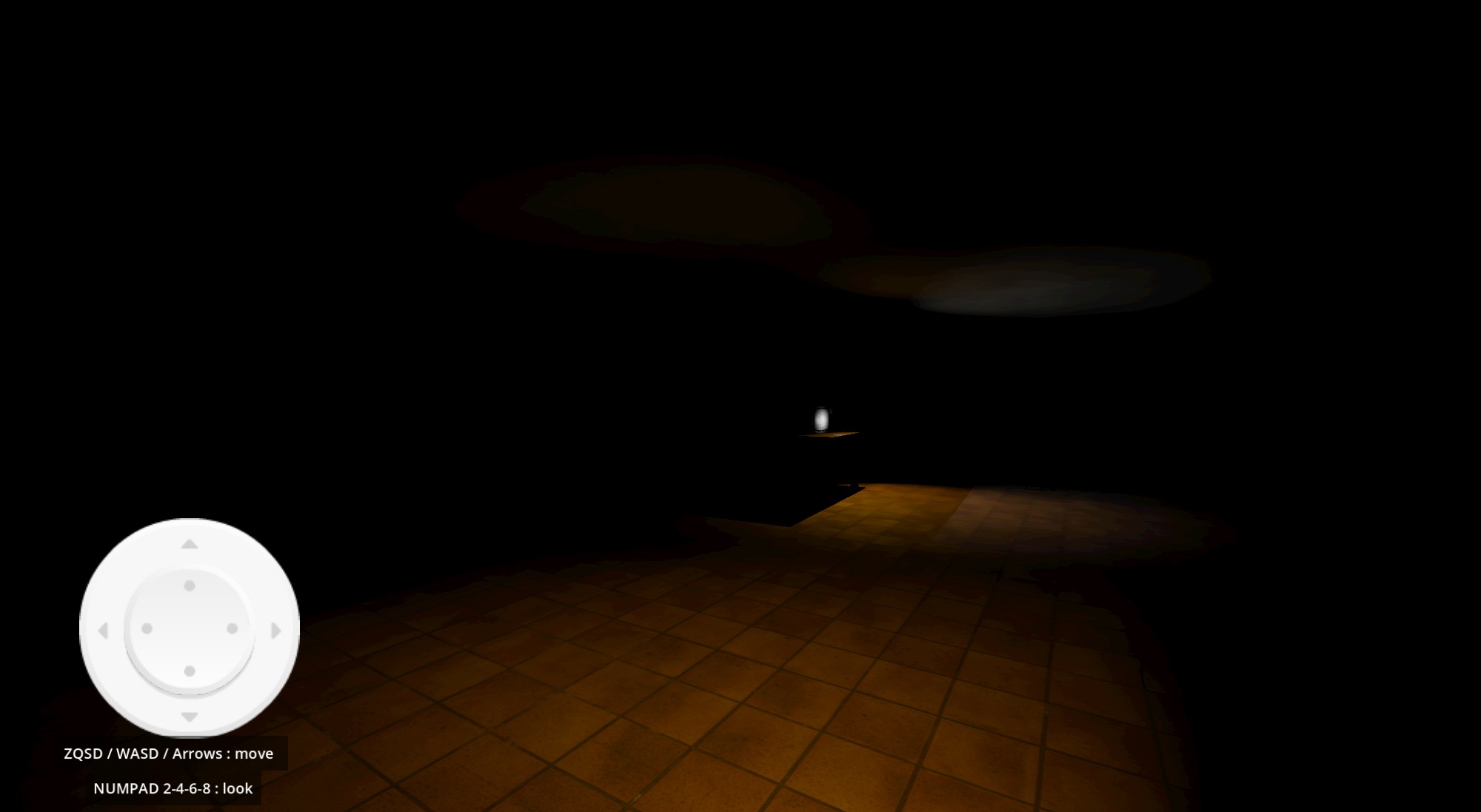
You are in a pitch-black building which doesn't sound friendly. A TV is on near you, ready to be activated. Is it going to help, or will it create trouble ?
GameDev.tv GameJam edition. This is my second game.
All models and animations made by myself.
All media are licensed CC0 or hand-made.
Thanks a lot to my kids and to my wife for their helpful support.
-- CONTROLS :
The desktop builds and the web version are playable with a X360-like gamepad ; I didn't test other controllers.
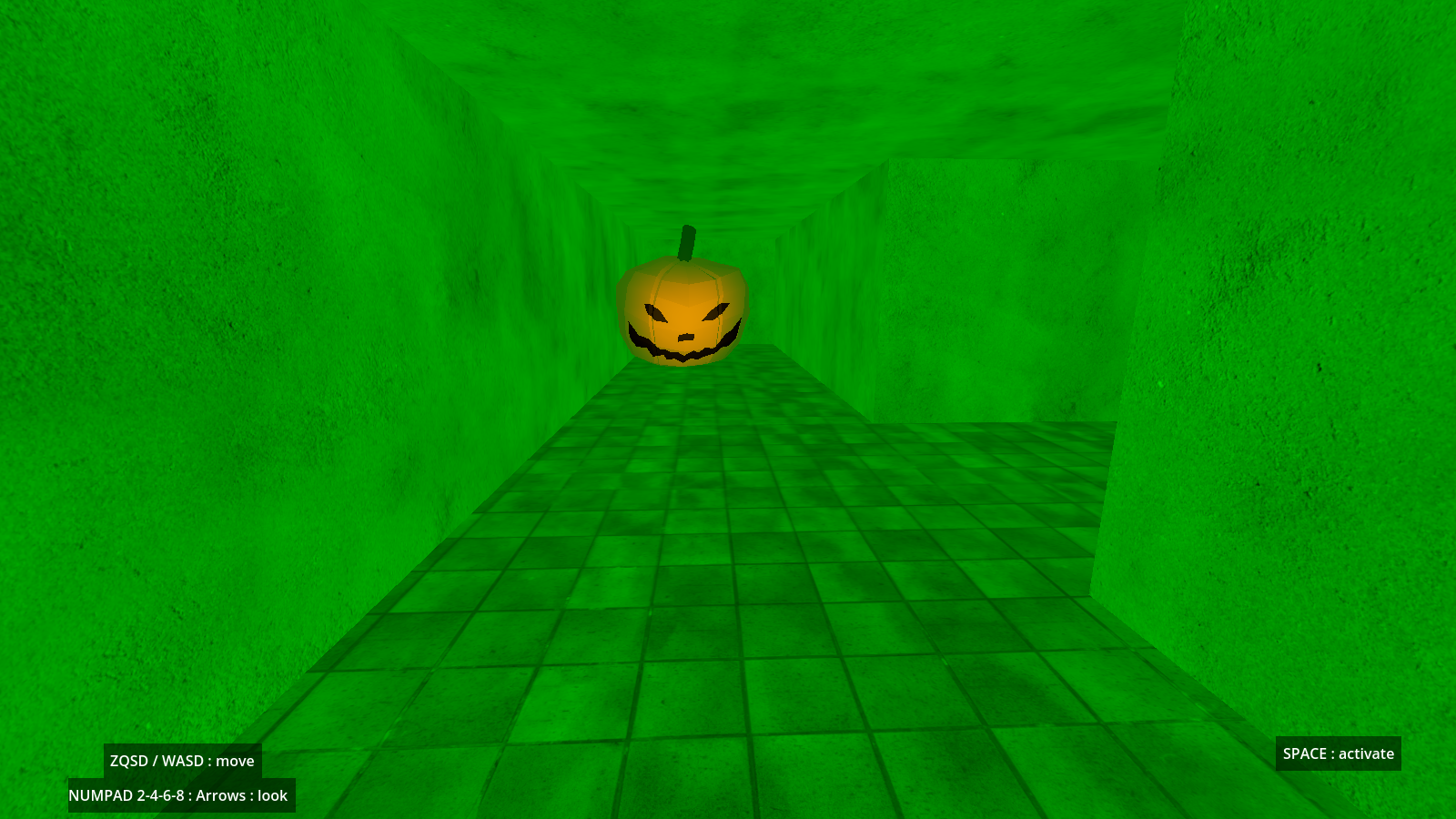
Use the left stick to move, use the right stick to look around, use the rightmost button to activate the TV (B on X360 controller, A on Switch controller, O on PS controller).
Keyboard users : please follow the on-screen instructions. The mouse is not supported (yet).
Mobile players : use the stick to move, grad the screen to look around, use the button to activate.
-- INFO :
the experience is fair in the browser, but it's better with the downloadable versions. Don't hesitate to give a try !
-- KNOWN BUGS : I'll work on these for the next jam. ;-)
- the game runs fine on mobile devices, but there's no multitouch support. You'll have to stop moving to turn.
- the first enemy reacts to the "bonus", but not the other ones.
- the enemies don't stop tracking the player correctly.
I may not update this version.
Download
Click download now to get access to the following files:
Comments
Log in with itch.io to leave a comment.
I'm unable to fully experience the game as I don't have a numpad (I can't move the camera!) - something to possibly keep in mind for any future game jams/games is that some people do not have numpads but typically have mouses for rotating cameras.
I have now been able to play thanks to the addition of the Arrow Keys being usable to rotate the player's camera. I like the lighting being used as a way of putting the player on edge when it's pitch black but relieved once the vibrant lights came on - and the use of checkpoints was fitting to the jam's Trick or Treat twist.Ouch... Thanks for the report.I tried to add the mouse to control the sight, but it was not satisfying and I was very short on time (I started 5 days late), so I dropped it.I think I'll revise the game to add keys on the right side of the keyboard as a quick fix. It may not be comfortable, but it will help TKL owners.---
Hi Jogglebrott.I just published a fixed update. Do you think you will have time to give it a try and tell me if it works for you ?Thanks in advance, and have a nice day.---
Thanks a lot for having tried again, it really helps.
Have a great jam !